Engineering Workspace
How to use this tool
- Start with Quick Topology and select the needed converter type.
- Enter the required calculation values.
- Click Calculate to inform the AI Assistant automatically.
- Start a chat (like ChatGPT or Copilot) to describe your project and use-case.
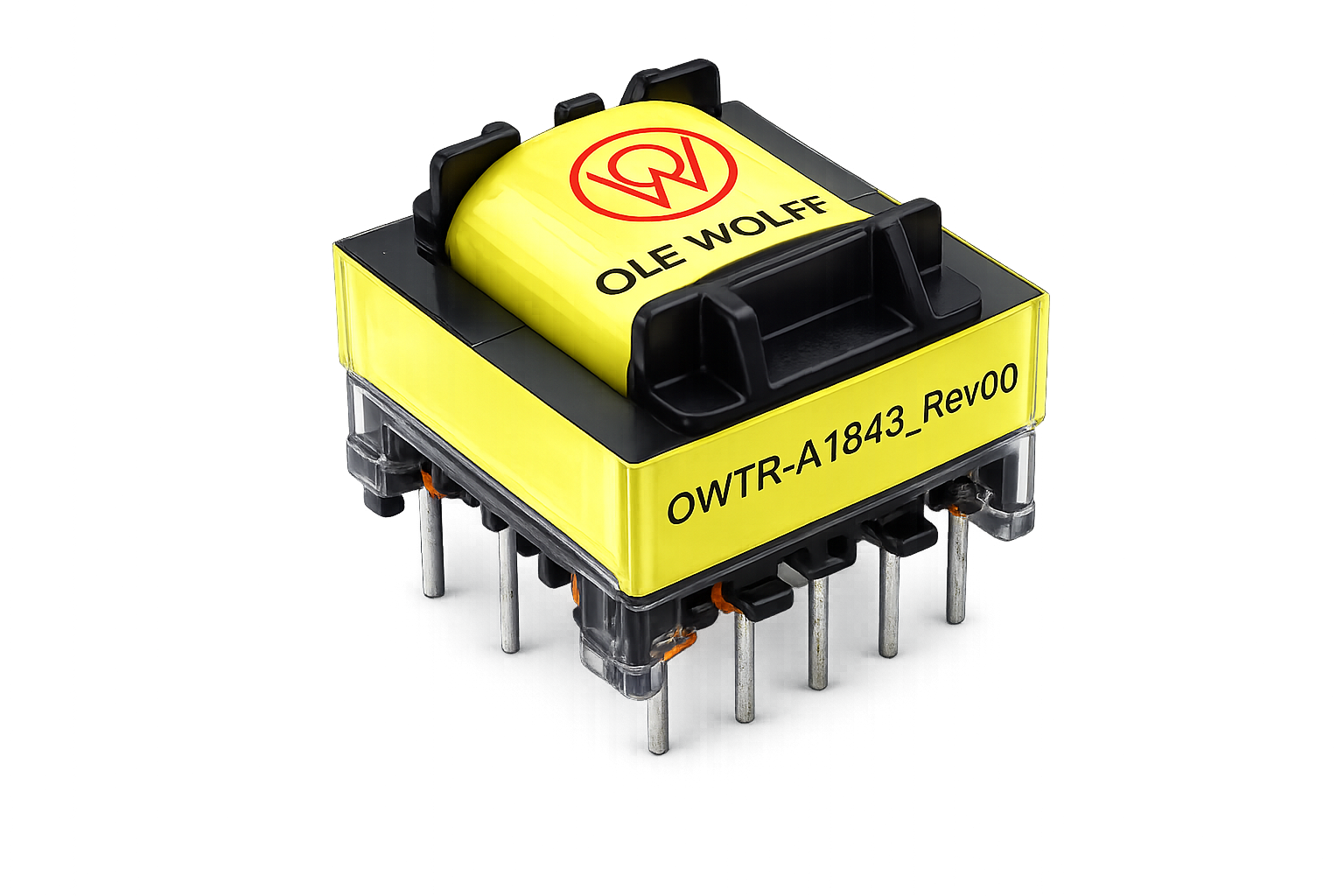
The assistant will suggest suitable Ole Wolff products or propose custom sampling if requirements are too specific. You can also upload datasheets or screenshots to compare values and find similar products.
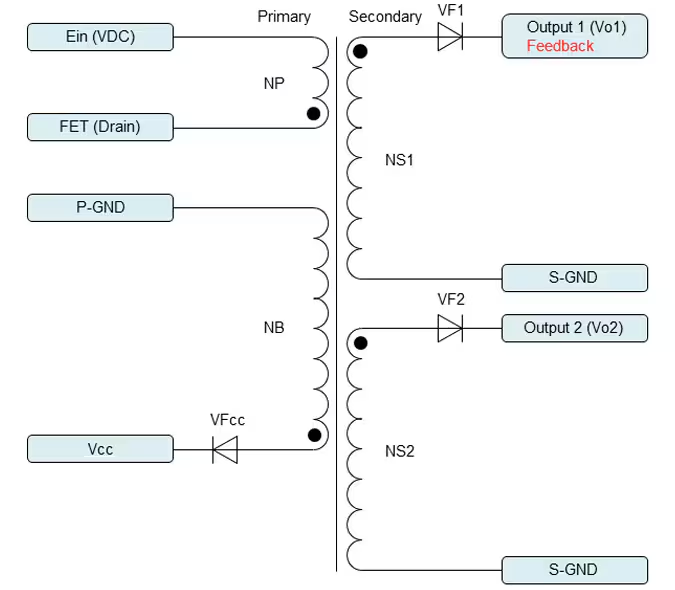
Select a topology, calculate the operating point, then compare matching Ole Wolff products.
3. AI Engineering Assistant
4. Compare
Matched Products
Exact match
Within tolerance
No match
5. Validate
Datasheet Preview
Select a matched product to preview its datasheet.